The Betaflight TX Lua scripts run on the radio and change Betaflight settings such as PIDs, rates, filters and VTX channels directly from the Taranis, without a computer. This makes it possible to adjust the tune between two flights at the field. The scripts talk to the flight controller over the telemetry link of the receiver.
Requirements
- Radio firmware: OpenTX 2.3.12 or newer, or EdgeTX 2.4.0 or newer.
- Receiver with telemetry: FrSky receivers with SmartPort or FPort such as the R-XSR of this build, TBS Crossfire, ExpressLRS or ImmersionRC Ghost. Update the receiver to its latest firmware to avoid known telemetry bugs.
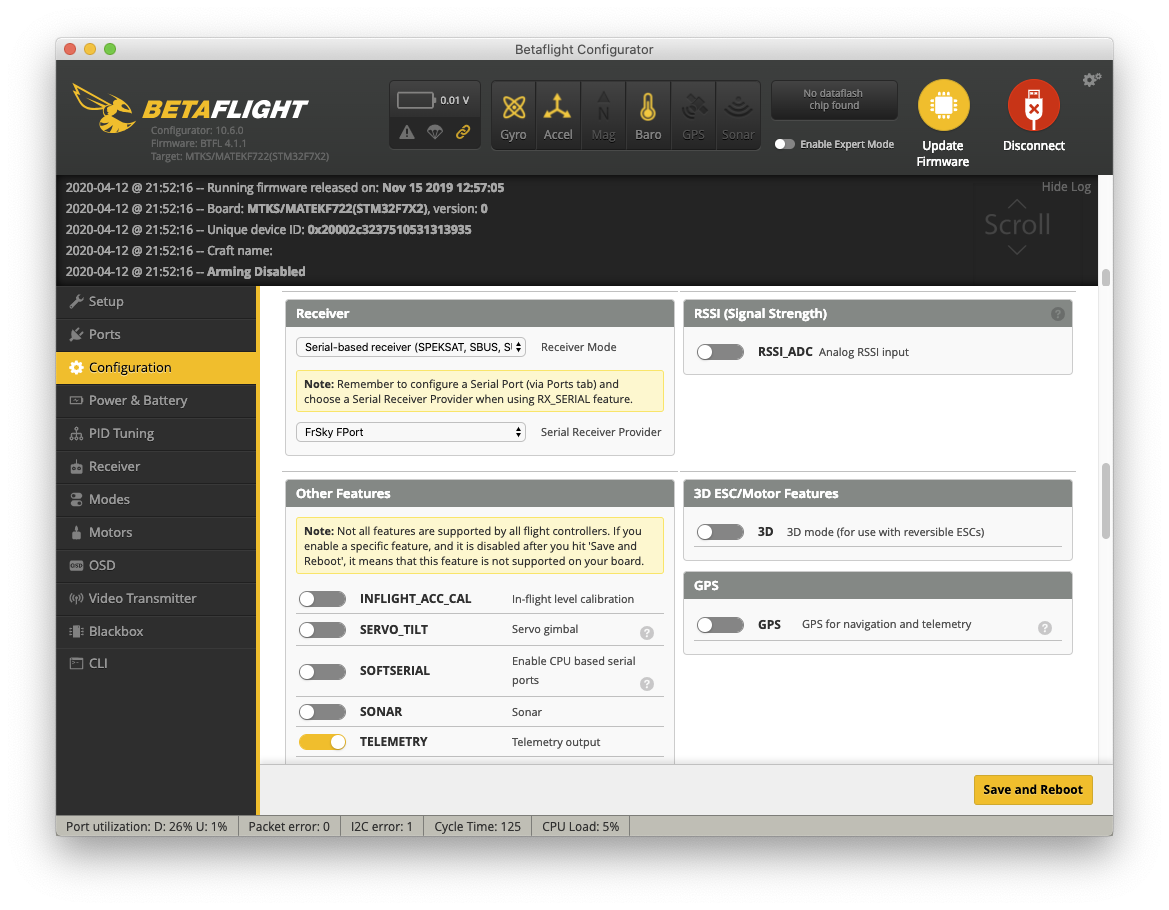
- Telemetry enabled in Betaflight: in Betaflight 4.1 this is the Telemetry feature in the Configuration tab, in newer versions it is in the Receiver tab.
Installation
- Download the zip file of the latest version from the releases page (1.8.0 from January 2026 at the time of writing).
- Connect the radio’s SD card to the computer, either with a card reader or by connecting the radio over USB and selecting its SD card (USB storage).
- Unzip the file and copy the contents of its
objfolder to the SD card, so that theSCRIPTSfolder merges with the one on the card. Don’t copy the contents of the repository itself. - Check that the file
bf.luais in the folder/SCRIPTS/TOOLSon the SD card.
Usage
Open the TOOLS page of the radio settings (on the Taranis X9D Plus with a long press on [MENU]), select “Betaflight setup” and press [ENTER]. The first start after installing or updating compiles the scripts and returns to the TOOLS page; start it again to use it.
The Taranis has a monochrome display, so the script uses these controls:
| Button | Function |
|---|---|
| [+] / [-] / rotary encoder | Move between fields |
| [PAGE] | Next page, long press for the previous page |
| [ENTER] | Edit the selected field, long press for the function menu |
| [EXIT] | Go back or close the script |
Changes take effect only when they are saved: long press [ENTER] to open the function menu and select “save page”. Leaving a page without saving discards its changes. Land and disarm before saving, then fly again to check the change, and change only a few values at a time.
The function menu also reloads the VTX tables. Betaflight manages bands and channels of SmartAudio and Tramp video transmitters in VTX tables since version 4.1, and the script downloads the table of each model the first time it connects. After changing the VTX table in Betaflight, reload it in the script.
References
- Betaflight TX Lua scripts on GitHub (installation, controls and supported radios)
- Releases
Comments